
Nowadays, a smartphone is much more than just a means of communication. We use it to check our emails, manage our bank accounts, make purchases, store our photos and access a wealth of personal information. This everyday use also makes it a prime target for scams.
Fraudulent text messages, fake links, suspicious calls, bogus competitions and even WhatsApp messages pretending to be from a loved one: fraudsters use a wide range of techniques, which can sometimes be difficult to spot.
Here at URBAK, we’d like to share a few simple tips to help you protect your smartphone better and, above all, avoid the most common pitfalls.
You have probably already received a message informing you that a parcel is being held, that a payment needs to be confirmed or that your account is about to be suspended.
These messages may seem very credible, but their aim is often to trick you into clicking on a link in order to steal your personal or banking details.
You should be wary of any message that contains an urgent request, a strange link or asks you to provide a password, security code or bank details.
Our advice: If you’re unsure, don’t click on the link. Go directly to the official website or app of the service in question.
Fraudsters often use pressure tactics to prevent their victims from thinking clearly.
A message such as ‘your account will be blocked’, ‘your payment has failed’ or ‘your loved one needs money immediately’ may prompt you to act quickly.
Always take a few moments to check the situation. If someone claims to be a relative with a new number, contact that person on their old number or by another means.
An urgent message is not necessarily a reliable one.
The codes you receive via text message or generated by an app are specifically designed to secure your accounts.
A bank, Apple, Google or another service may ask you to verify your identity, but you must never give a verification code to anyone who contacts you by telephone, text message or instant messaging.
Even if the person you’re speaking to seems to know certain details about you, remain cautious.
Security also depends on updates.
Apple, Google and smartphone manufacturers regularly release updates that can fix security vulnerabilities. It is therefore important not to put them off systematically.
Please also remember to update your apps and only download them from official platforms such as the App Store or Google Play.
Using the same password everywhere can be risky. If it is discovered, several of your accounts could be compromised.
For important accounts, particularly your email address and your Apple or Google accounts, make sure you use unique passwords that are difficult to guess.
Where possible, please also enable two-factor authentication. This adds an extra layer of security by requiring a second verification when you log in.
There aren’t always obvious signs, but there are certain things you should look out for.
A message is particularly suspicious when it:
If in doubt, Do not click on any links, do not reply, and check directly with the relevant department.
Don’t panic. If you’ve simply clicked on a link without providing any information or installing anything, close the page and avoid any further interaction.
However, if you have entered a password, bank details or a security code, it is important to act quickly. Change the relevant password via the official website and contact your bank if any banking details have been provided.
If you have installed a suspicious app or think your smartphone has been compromised, seek advice from a professional.
To keep yourself safer in your day-to-day life, simply remember these five rules:
1. Do not click on any suspicious links.
2. Never disclose your verification codes.
3. Use different passwords for your important accounts.
4. Keep your smartphone and apps up to date.
5. If in doubt, take the time to check before taking any action.
Smartphone scams are becoming increasingly common and can take various forms. The best protection, therefore, is to remain vigilant and adopt a few good habits.
Before clicking on a link or providing any personal information, please take a few seconds to check the request. This simple precaution can save you a lot of trouble.
The rich text element allows you to create and format headings, paragraphs, block quotes, images and videos all in one place, rather than having to add and format them individually. Simply double-click to create content with ease.
asdasdasdsad

Discover Yallo, Lebara and Sunrise mobile plans at URBAK in Geneva! Get personalised advice to find the mobile, internet or TV package that suits your needs and budget.
Smartphone scams are becoming increasingly common: fake text messages, fraudulent links, suspicious calls or requests for security codes. Find out the best practices to follow to protect your data and use your smartphone safely with advice from URBAK.
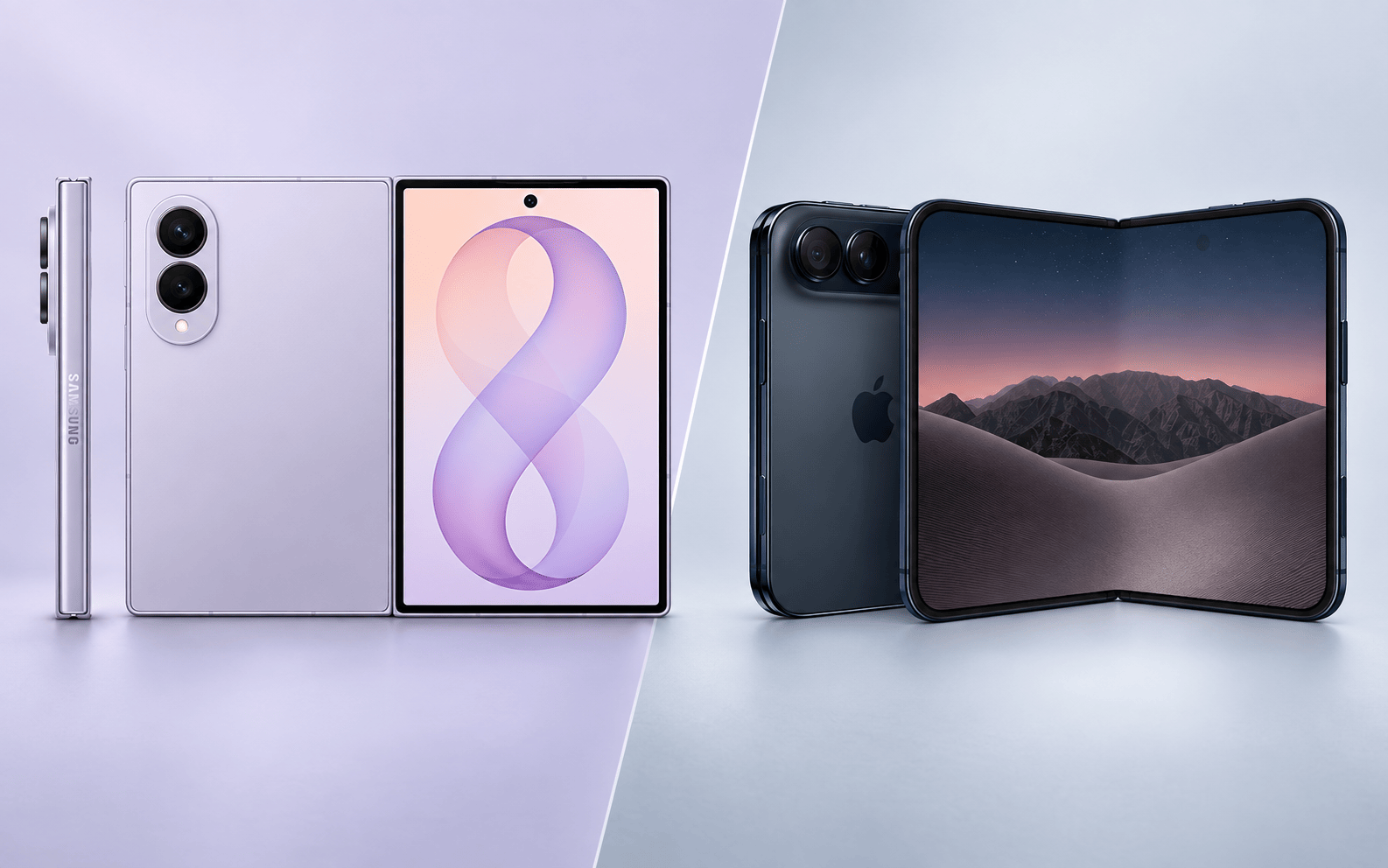
iPhone Duo or Galaxy Z Fold8? Discover the differences between these two top-of-the-range foldable smartphones: display, performance, camera, battery life and features, to help you decide which one best suits your needs


